12 Best digital art software for 2026 (free & paid)

TABLE OF CONTENTS
TL;DR:
The best digital art software depends on your device and what you make.
✅ Best overall: Adobe Photoshop for its depth and industry-standard tools.
✅ Best on iPad: Procreate, a $12.99 one-time buy.
✅ Best free option: Krita, with pro-grade brushes at no cost.
✅ Best for comics: Clip Studio Paint.
❌ No single program wins for everyone, so pick by platform and use case first, price second.
Digital art software is a program artists use to draw, paint, and illustrate on a computer, tablet, or phone. It replaces physical brushes, ink, and paper with digital tools: pressure-sensitive brushes, layers, blending modes, and undo. Some options are free and open-source. Others are one-time purchases or monthly subscriptions.
Here's the honest problem with most "best digital art software" lists: they rank tools by brand recognition, not by who each one actually suits. A free app can beat a $400 program for a beginner. A subscription can be the wrong call for a hobbyist who draws twice a month. So we sorted these 12 digital art programs by device and use case, listed real 2026 pricing, and flagged who each one is not for. If you're new to this, our guide on how to start digital painting pairs well with this list.
Prices are approximate and current as of July 2026. Always check the vendor's site before buying.
1. Adobe Photoshop: best digital art software overall
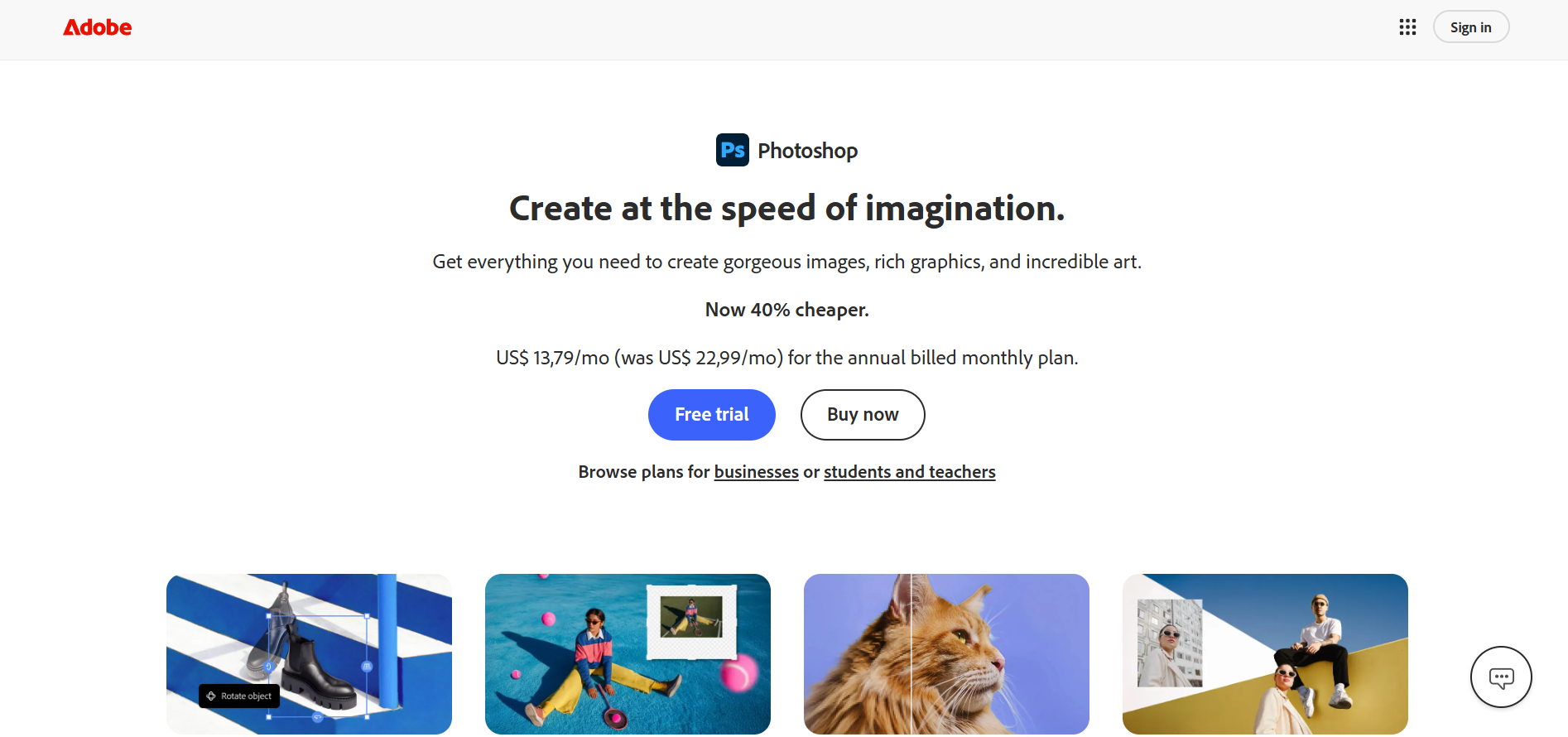
Adobe Photoshop is the best overall digital art software because it does the most: painting, illustration, photo editing, and compositing in one program, with thousands of brushes and the deepest tooling of anything on this list. It's the industry standard for a reason. Files open everywhere and most tutorials assume you're using it.
Price: From $22.99/mo for the single-app plan (annual, billed monthly), per Adobe's pricing page. The Photography plan at $19.99/mo bundles Photoshop with Lightroom for similar money.
The catch is the model. Photoshop is subscription-only, so you never stop paying, and the sheer number of tools can overwhelm a beginner. It's also built photo-first, so painters sometimes prefer a dedicated painting app for natural media.
Best for: Designers and artists who want one deep tool for everything ✅
Not ideal for: Hobbyists who resent monthly fees or want a simple painting app ❌
2. Procreate: best digital art app for iPad
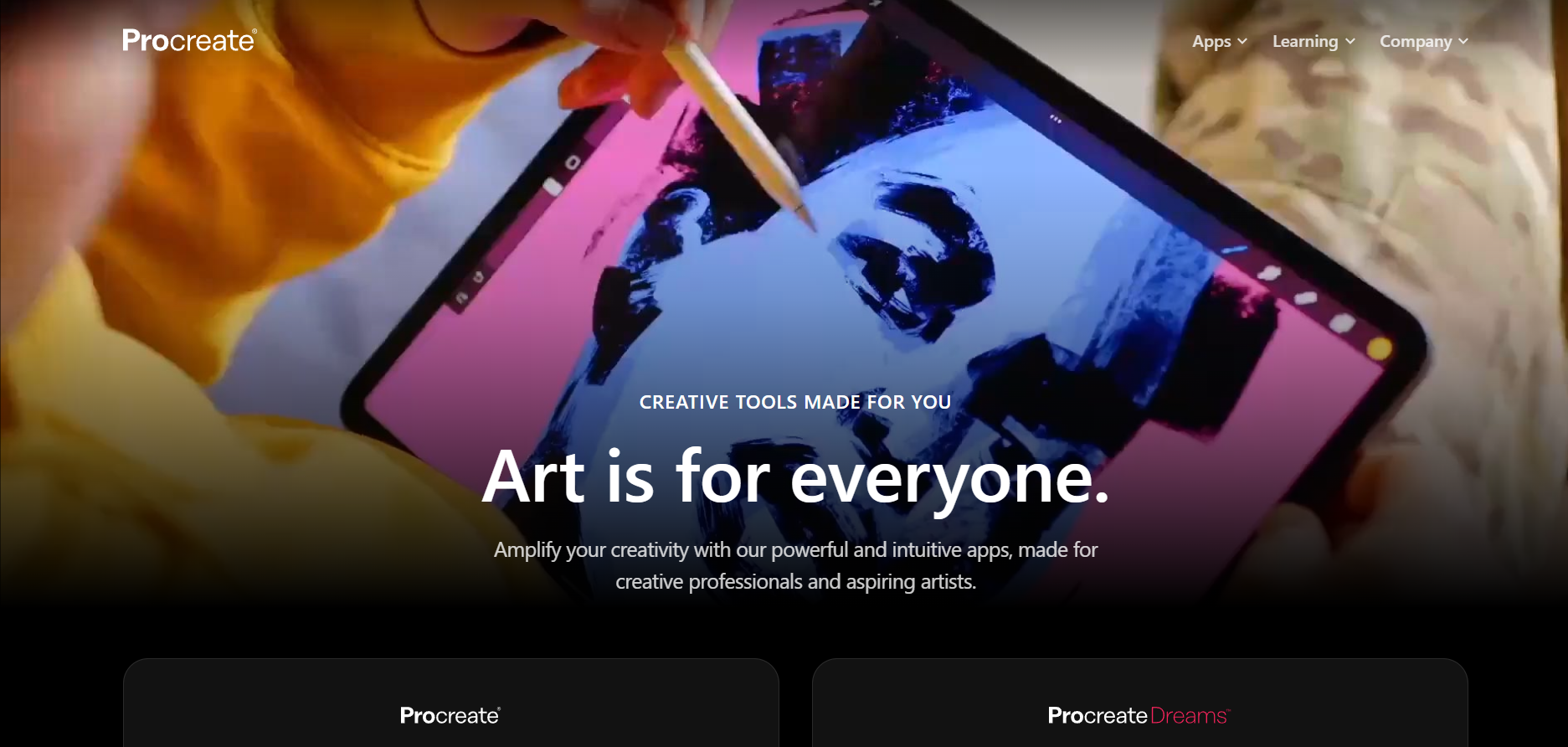
Procreate is the best digital art app for iPad, full stop. For a $12.99 one-time purchase, you get a fast, deeply capable painting and illustration app with hundreds of brushes, a huge layer count, and an automatic time-lapse of every piece. No subscription, no upsell.
Price: $12.99 one-time on the App Store. Procreate Dreams (animation) is sold separately.
The limitation is obvious: it's iPad-only. There is no Windows, Mac, or Android version, so it lives and dies with Apple's tablet. Serious animators will also outgrow the basic timeline.
Best for: Anyone with an iPad and Apple Pencil who wants pro results cheaply ✅
Not ideal for: Windows, Mac, or Android users, or heavy animation work ❌
3. Krita: best free digital art software
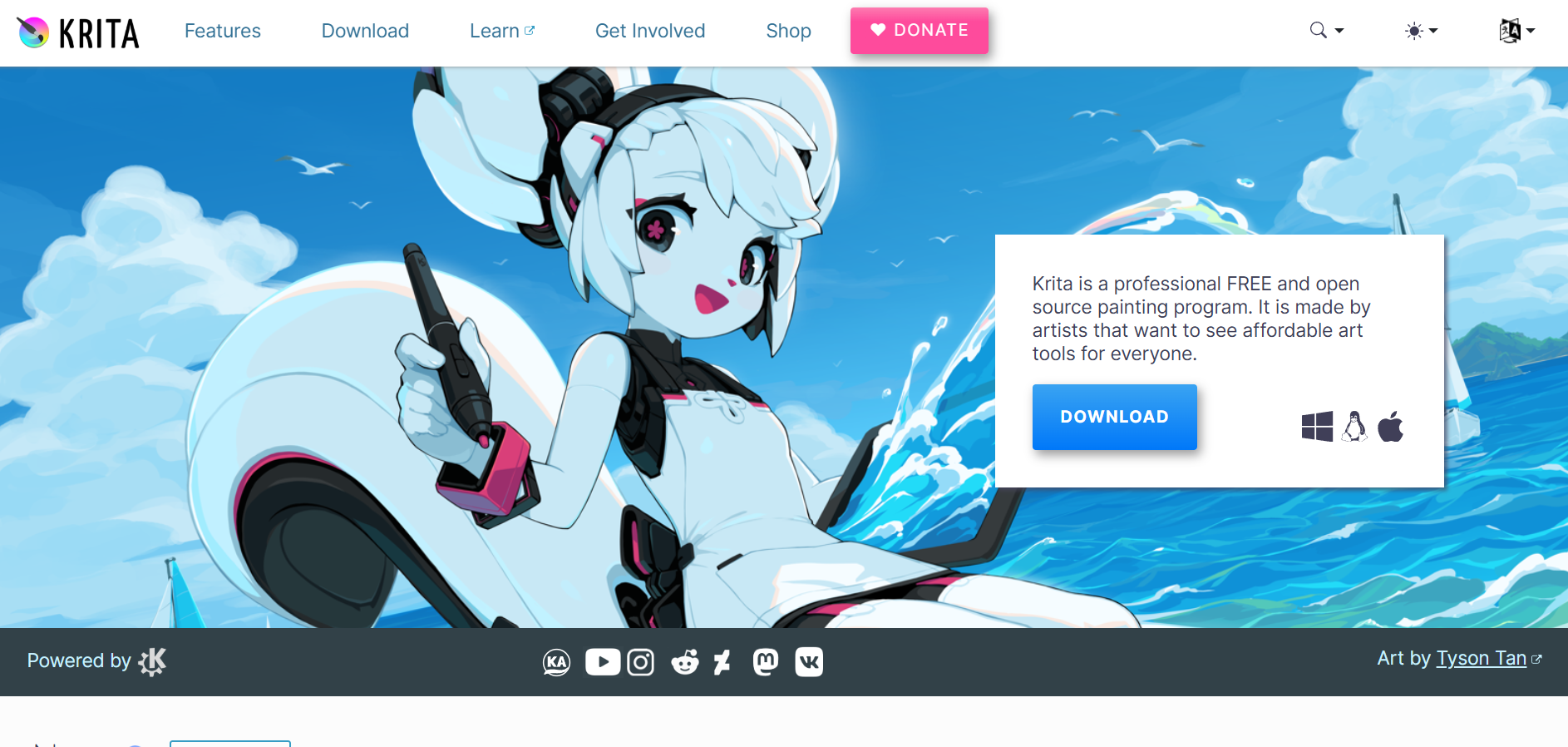
Krita is the best free digital art software available, and it isn't a stripped-down teaser. It's a full open-source painting program with over 100 brush engines, smudge and shape tools, and no watermark, ads, or paywalled features. It runs on Windows, Mac, and Linux.
Where it shows its roots is polish. The interface feels less refined than paid rivals, animation is basic, and it's a painting tool, not a photo editor. But for drawing and painting, it competes with software that costs hundreds.
Price: Free and open-source. A paid version exists on some app stores purely to fund development; the download from the site is 100% free.
Best for: Beginners and pros who want a serious painting tool at zero cost ✅
Not ideal for: Anyone who needs polished photo editing or advanced animation ❌
4. Autodesk Sketchbook: best for beginners
Autodesk Sketchbook is the best digital art software for beginners because it's clean, uncluttered, and now completely free on desktop and mobile. The toolbar stays out of your way, the brushes feel natural, and you can start drawing in minutes instead of hunting through menus.
That simplicity is also the ceiling. Sketchbook lacks the deep brush customization, text, and layer effects that comics artists and designers eventually need. It's a sketching and illustration tool, not a full production suite.
Price: Free on Windows, Mac, iOS, and Android.
Best for: Newcomers who want to draw without a steep learning curve ✅
Not ideal for: Comic production or complex multi-layer design work ❌
5. Clip Studio Paint: best for comics and manga
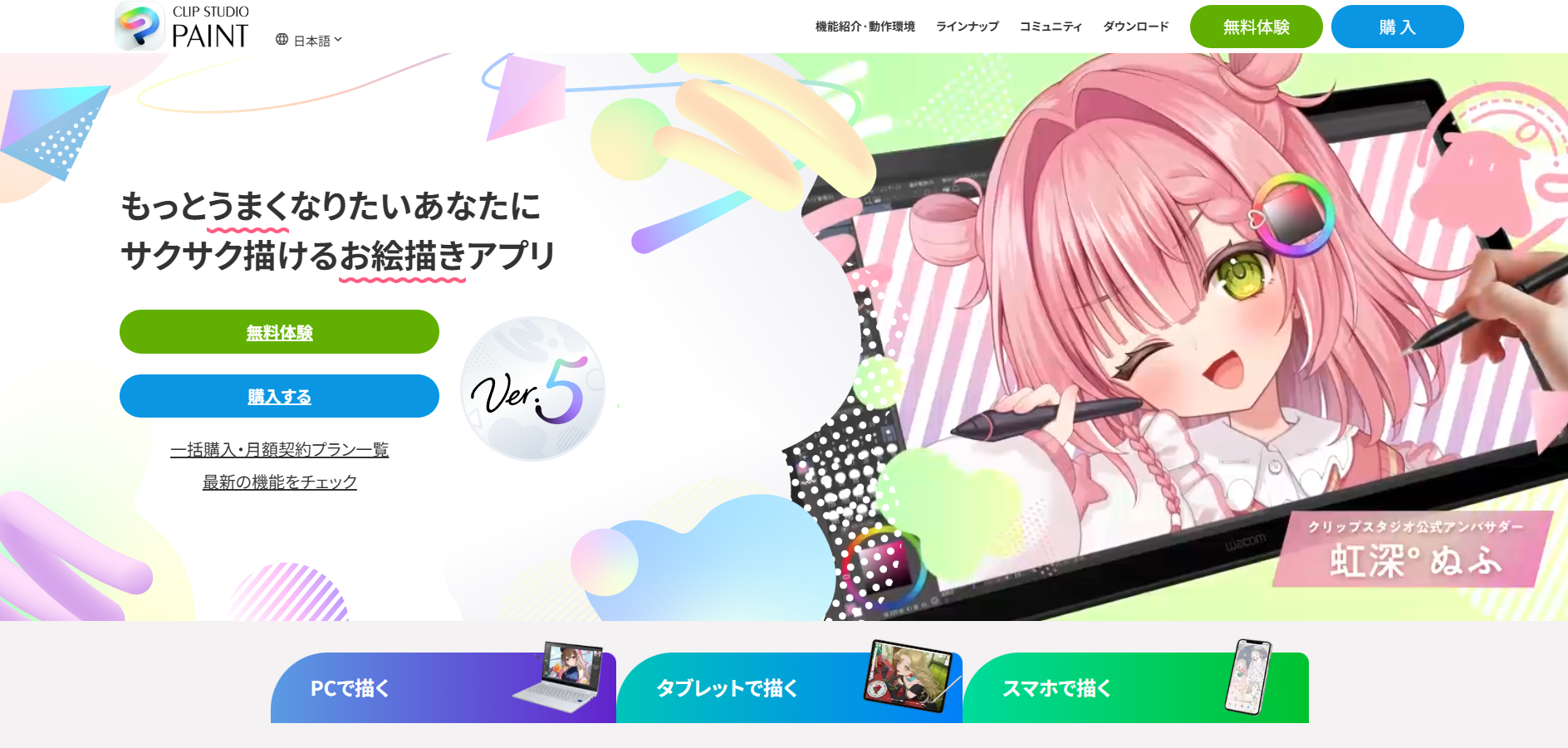
Clip Studio Paint is the best digital art software for comics and manga. It's purpose-built for sequential art: panel tools, speech balloons, screentones, perspective rulers, customizable 3D reference models, and pen-pressure brushes that mimic real ink. Illustrators use it too, but comics is where it has no real rival.
Price: Pro is $49.99 one-time on desktop and EX is $219.99, per Clip Studio's pricing. On iPad and Android it's subscription-only, from about $0.99/mo or $26.99/yr.
The subscription-on-tablet split trips people up. If you buy Pro for your desktop, that license does not carry to your iPad, where you'll pay monthly. Pro also caps animation frames, which pushes serious animators toward the pricier EX tier.
Best for: Comic, manga, and webtoon artists on desktop ✅
Not ideal for: Tablet users who dislike subscriptions ❌
6. Corel Painter: best for realistic natural-media painting
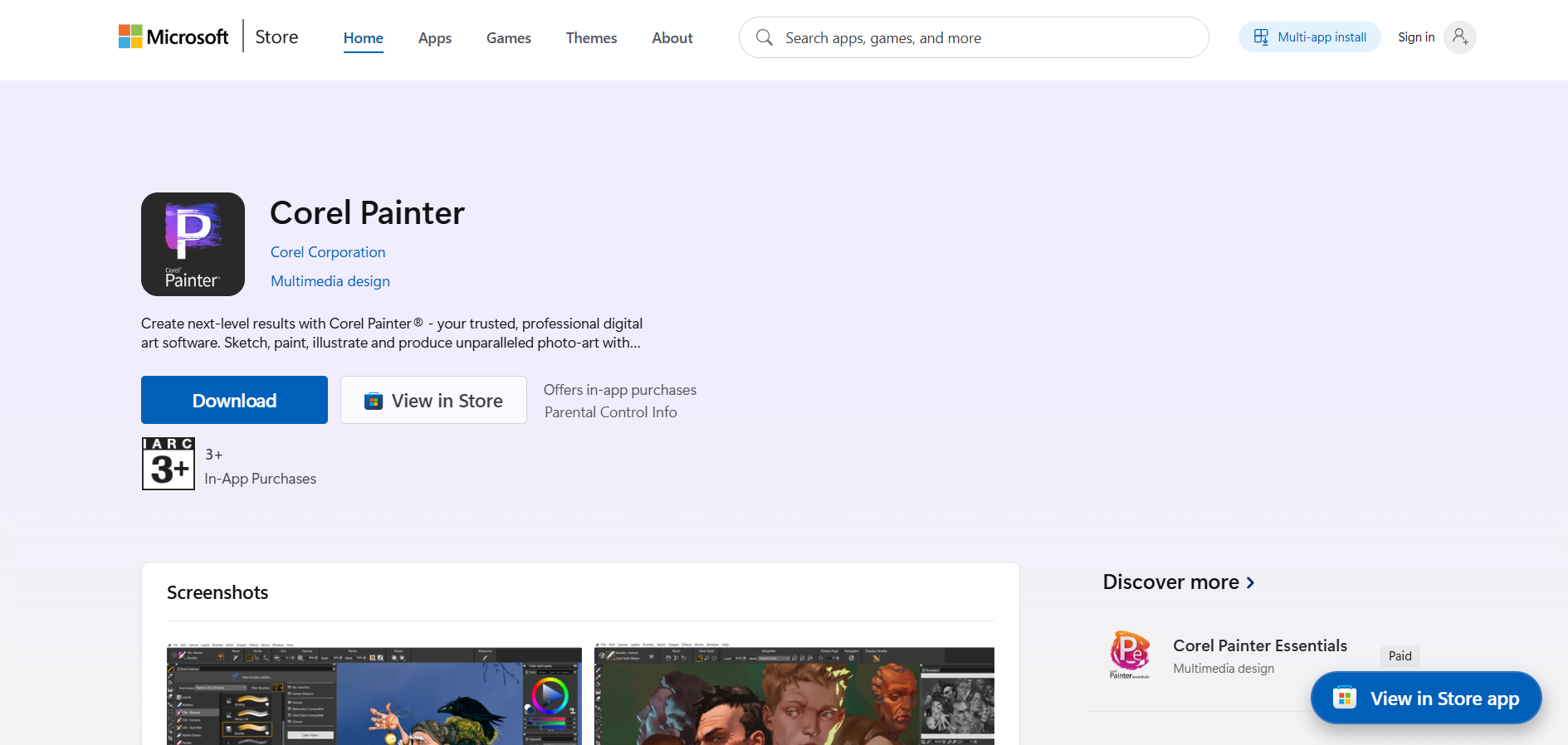
Corel Painter is the best digital art software for realistic natural-media painting. Its brushes simulate oils, watercolors, chalk, and pastels with a physical accuracy nothing else matches, backed by more than 900 brushes and AI-assisted tools. If your goal is digital work that looks hand-painted, this is the specialist.
Two things hold it back. It's expensive next to Krita or Procreate, and it's heavy, both to learn and to run, demanding a capable machine. It's also Windows and Mac only, with no tablet-native app.
Price: Around $429 as a one-time purchase, with a subscription option. Confirm the current release and price on Corel's site before buying.
Best for: Painters chasing traditional oil and watercolor realism ✅
Not ideal for: Budget-conscious beginners or tablet-first artists ❌
7. Rebelle 7: best for watercolor and wet media
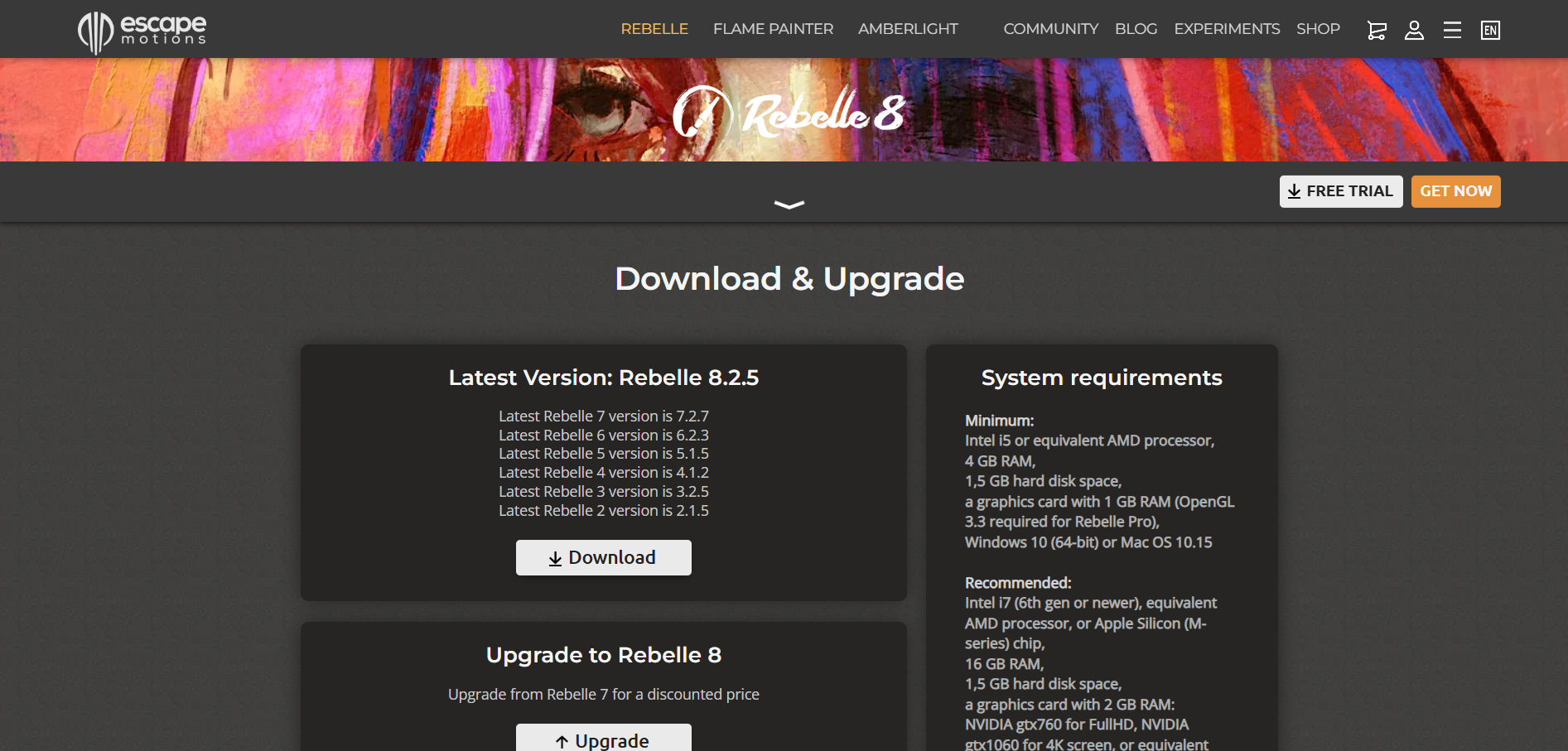
Rebelle 7 is the best digital art software for watercolor and wet media. Its physics-based engine simulates how real paint flows, bleeds, dries, and pools, including a tilt feature that lets pigment run down the canvas. For authentic wet-media effects, it beats general-purpose painting apps.
It's a specialist, and that's the trade-off. Rebelle is superb at wet media and merely fine at everything else, so it usually sits alongside a main program rather than replacing it. It's also Windows and Mac only.
Price: Editions run from a few dollars up to around $149.99 for Rebelle 7 Pro. A cheaper Standard edition covers most hobbyist needs.
Best for: Artists focused on watercolor, ink, and acrylic realism ✅
Not ideal for: Anyone wanting one all-purpose program ❌
8. Affinity by Canva: best free Photoshop alternative
Affinity is now the best free Photoshop alternative. After Canva acquired it, the three former apps (Photo, Designer, and Publisher) merged into one program with pixel, vector, and layout workspaces, and the core toolset is free with no watermark or time limit. For a program that used to cost around $70 per app, that's a major shift.
The honest caveat: this is a young, unified release, so some longtime users are still adjusting to the merged interface, and the AI extras sit behind Canva's paywall. But for raster and vector work without a subscription, it's hard to beat.
Price: Free. You need a free Canva account to download and activate it, per Canva's announcement. AI features like Generative Fill require a Canva Pro subscription (about $15/mo), but every core design and editing tool is free.
Best for: Designers who want Photoshop-class tools for free ✅
Not ideal for: Anyone who needs the built-in AI tools without paying for Canva Pro ❌
9. MediBang Paint: best free option for manga and collaboration
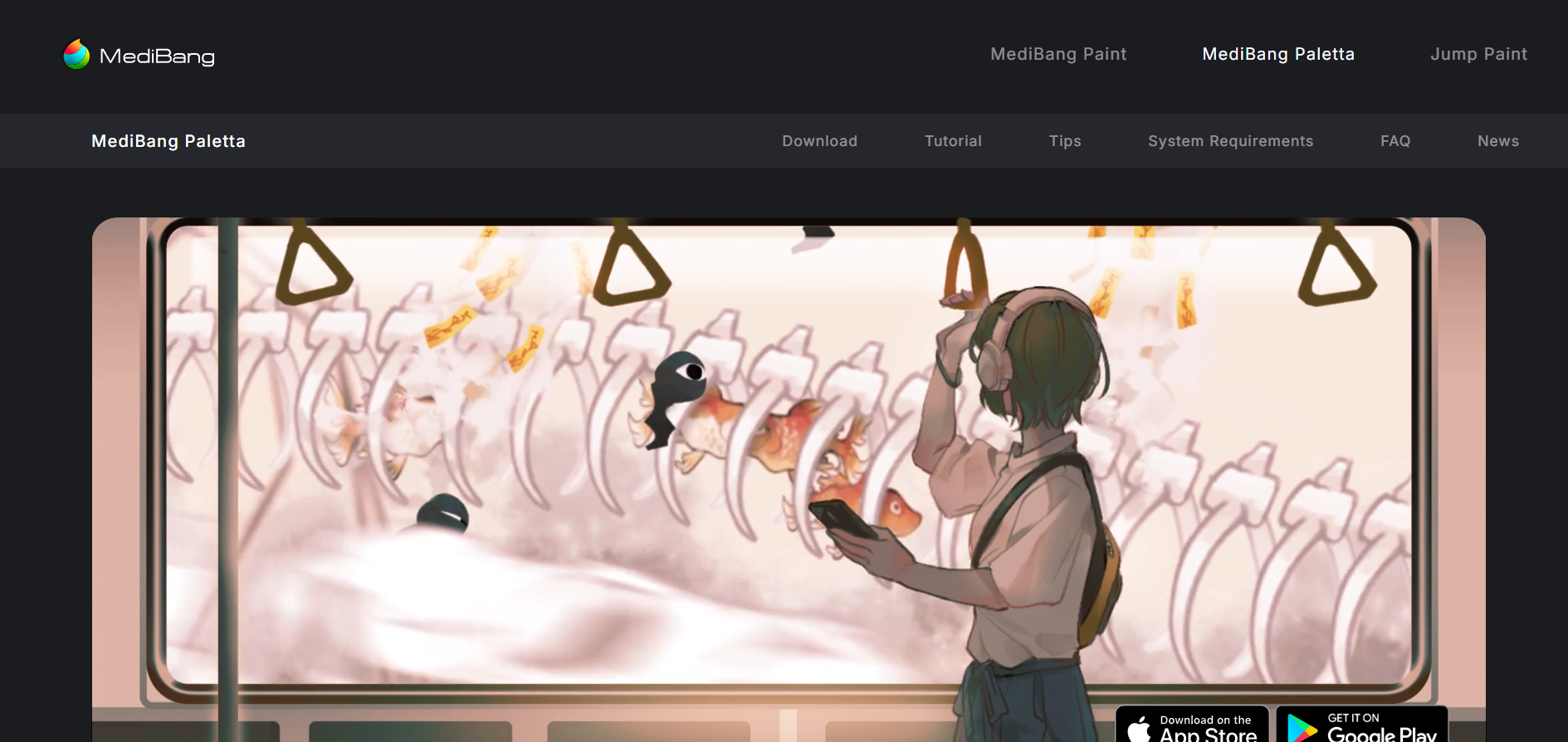
MediBang Paint is the best free digital art software for manga and team projects. It's free across desktop and mobile, syncs your work through the cloud so you can move between devices, and ships with comic templates, backgrounds, and over 1,000 shared resources. Teams can collaborate on the same project.
Being free and lightweight has a cost. The brush selection is smaller than Clip Studio's, some features expect an internet connection, and there are occasional prompts to create an account. For beginners and collaborative comic teams on a budget, that's a fair trade.
Price: Free on Windows, Mac, iOS, and Android.
Best for: Budget manga artists and teams working across devices ✅
Not ideal for: Pros who need Clip Studio's full brush and animation depth ❌
10. Infinite Painter: best for Android
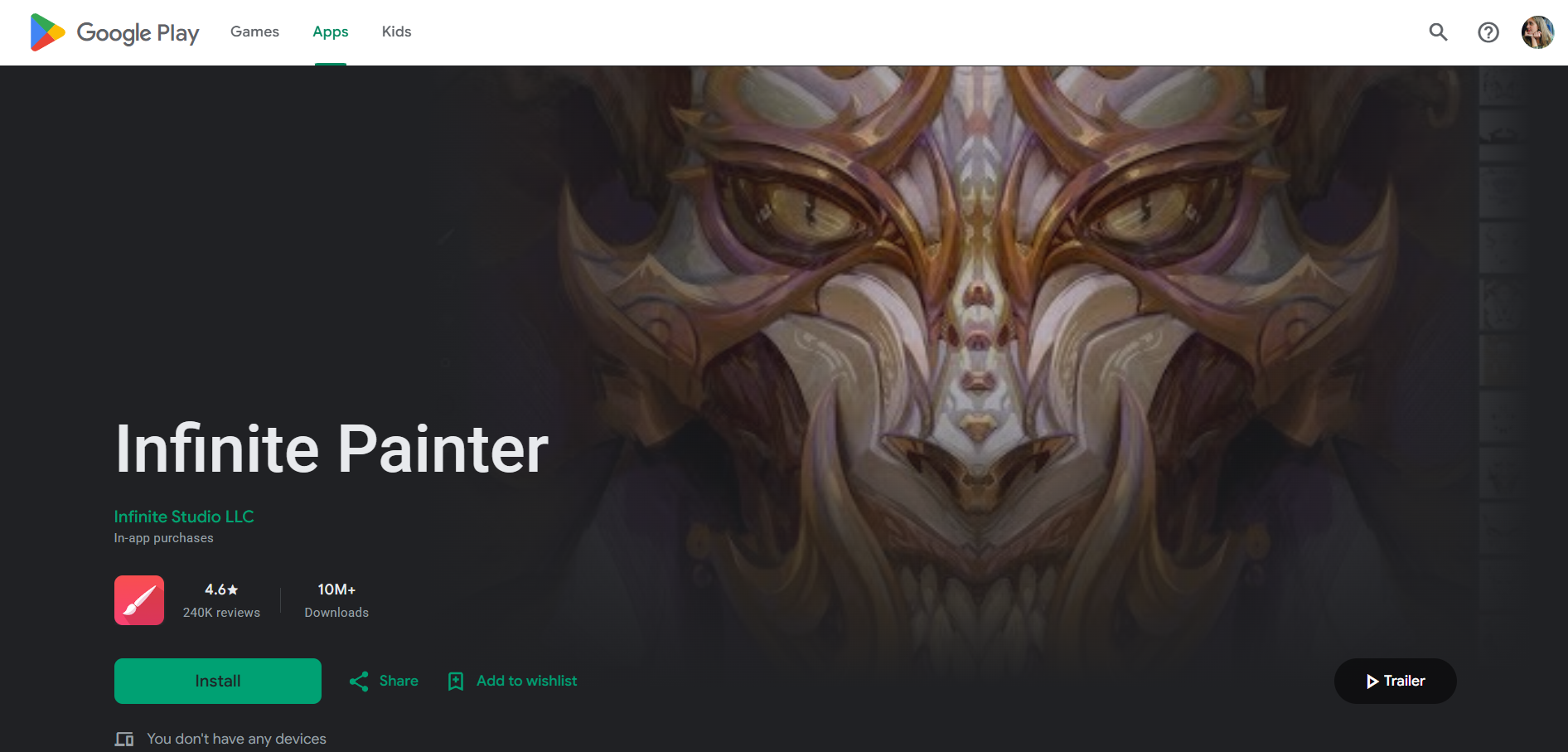
Infinite Painter is the best digital art software for Android. While most serious apps chase iPad users, Infinite Painter delivers a genuinely deep painting experience on Android tablets and phones: natural brushes, perspective guides, and pattern tools built for touch and stylus input. It's on iOS too.
It won't dethrone desktop software for complex production, and the interface takes a little learning. But for Android artists who've watched the best apps skip their platform, it's the standout answer.
Price: Free to try, with a one-time unlock around $9.99.
Best for: Android tablet and phone artists ✅
Not ideal for: Desktop-based professional production ❌
11. Linearity Curve: best for vector art
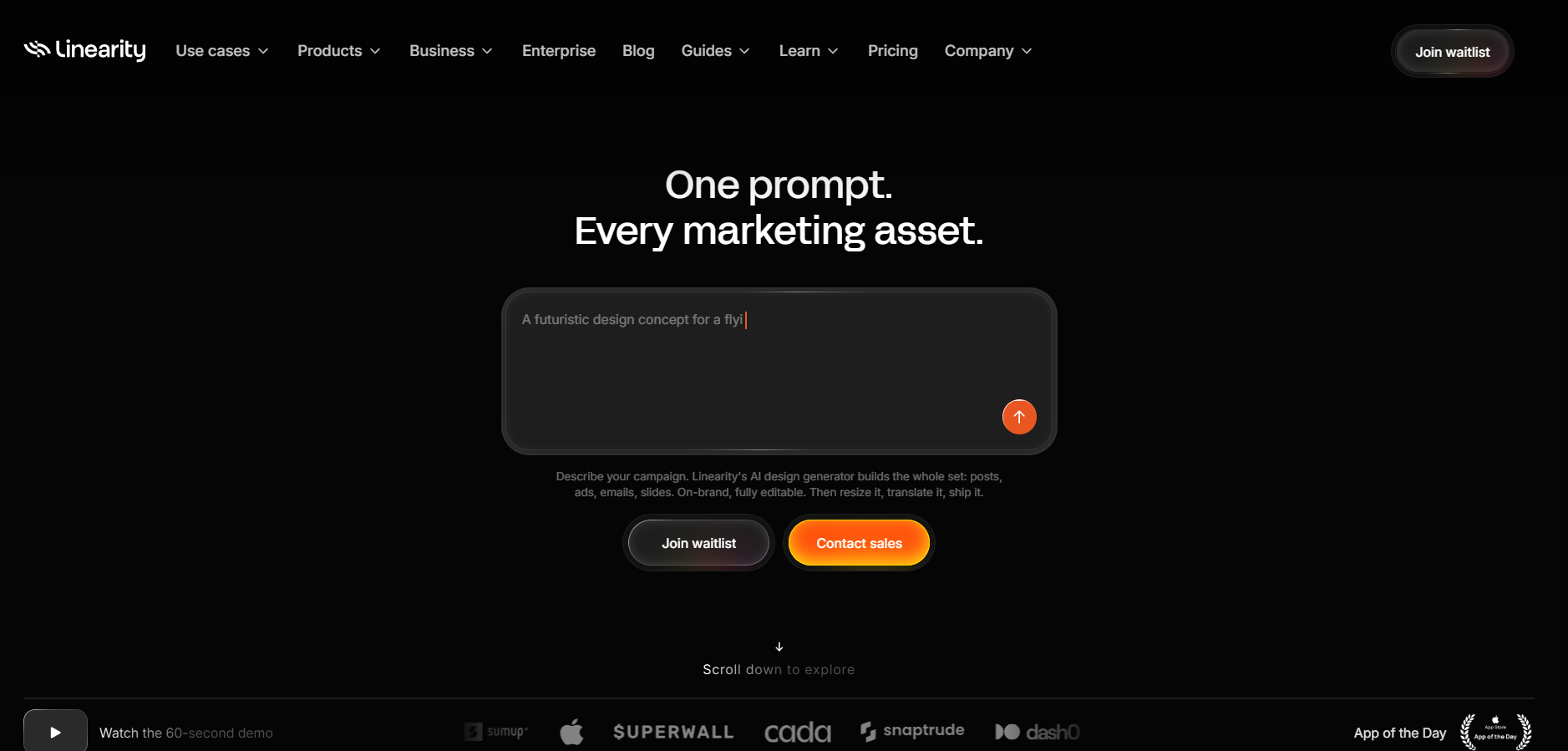
Linearity Curve (formerly Vectornator) is the best free-to-start digital art software for vector art. It's a fast, modern vector illustration tool for Apple devices with auto-tracing, gesture controls, and a clean interface, and there's a capable free plan before you reach the paid tier.
Price: Free plan available, with a paid Pro subscription for advanced features, per Linearity's pricing.
The limits are platform and scope. It runs on Mac, iPad, and iPhone only, with no Windows or Android version, and it's built for vector work, so it won't replace a raster painting app. If you need scalable logos, icons, and illustrations, though, it's excellent.
Best for: Apple users making vector logos, icons, and illustrations ✅
Not ideal for: Windows and Android users, or raster painters ❌
12. Concepts: best for sketching and concept work
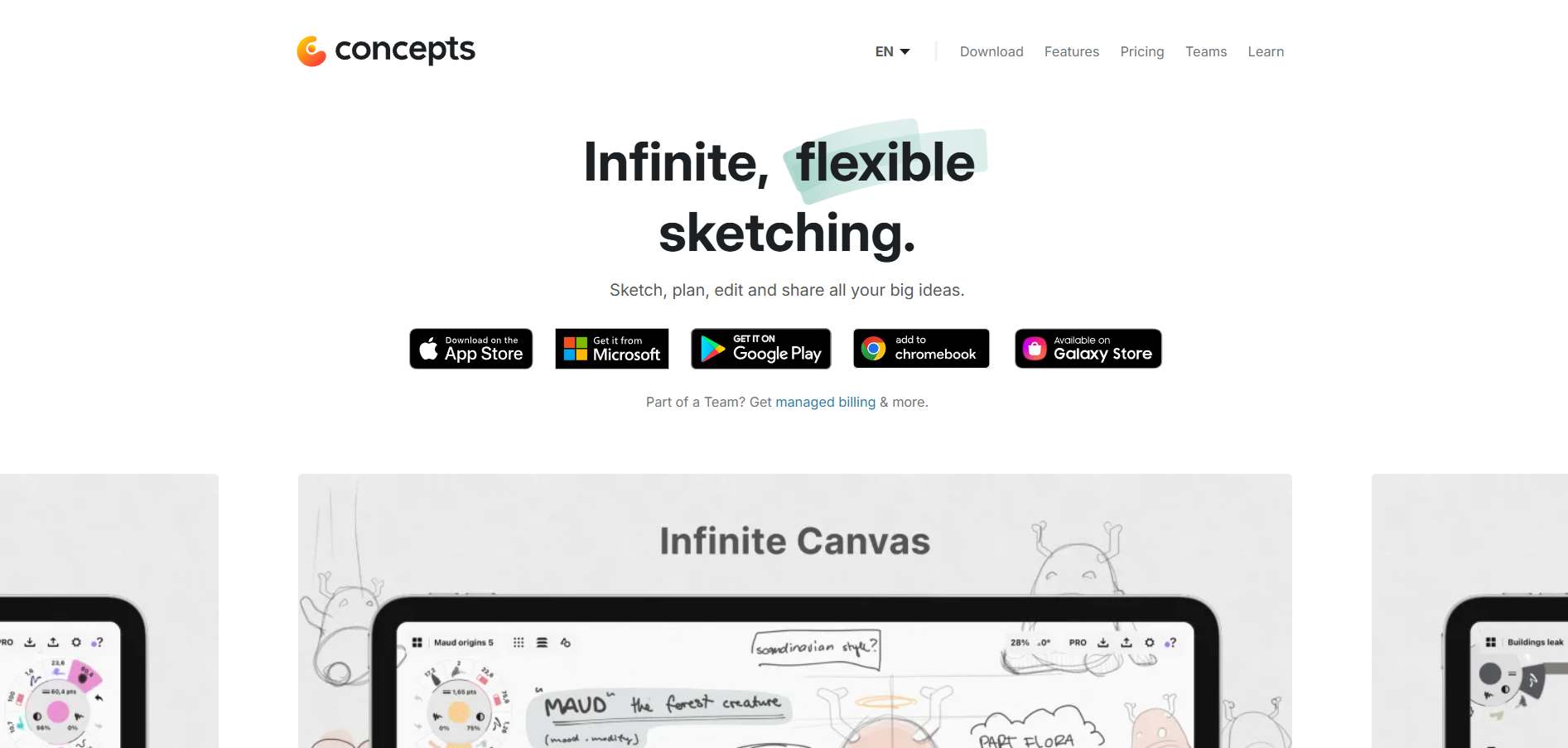
Concepts is the best digital art software for sketching and concept work. Its infinite, flexible canvas is vector-based under the hood, so you can move, restyle, and rescale any stroke after drawing it. That makes it a favorite for designers, architects, and illustrators who iterate on ideas.
Price: Free on iOS, Android, and Windows, with a one-time Essentials unlock or a Pro subscription for the full library, per Concepts' pricing.
It's not a traditional painting app, so if you want thick oil brushes and blending, look elsewhere. The vector-sketch approach also takes adjustment if you're used to raster layers. For flexible ideation and diagramming, it's uniquely good.
Best for: Concept artists and designers who sketch and iterate ✅
Not ideal for: Painters who want natural-media brush realism ❌
What should you look for in digital art software?
Start with your device, then your use case, then price. The best digital art software is the one that runs on the hardware you own and fits the kind of art you make. A brilliant iPad app is irrelevant on a Windows laptop, and a watercolor specialist is wasted on a comic artist.
Four questions settle most decisions:
- What device will you use? iPad points to Procreate, Android to Infinite Painter, desktop opens up Photoshop, Krita, and Corel Painter.
- What do you make? Comics reward Clip Studio, vector work suits Linearity Curve, natural-media painting favors Corel Painter or Rebelle.
- What's your budget? Krita, Affinity, Sketchbook, and MediBang are free. Procreate is a one-time $12.99. Photoshop is ongoing.
- How much complexity can you handle? Beginners should start simple with Sketchbook or Procreate before jumping into Photoshop's deep toolset.
Free tools have closed the gap enormously. In 2026, a beginner can go far on Krita or Affinity without spending a cent. Pay only when you hit a specific wall the free option can't clear.
When you need finished art, not just software
Digital art software is the right answer when you want to make the art yourself. It's the wrong answer when you're a business owner or marketer who needs finished illustrations, icons, or graphics delivered, and doesn't have the hours to learn brush engines and layer masks.
That's the gap ManyPixels fills. Instead of buying software and doing the work, you brief a professional designer and get the finished illustration back, usually with a first draft in 24 to 48 hours on business days. Here's how it compares to the DIY route:
- 🎨 A dedicated designer produces the art, so you don't have to learn the software.
- ⚡ First drafts typically land in 24 to 48 hours, with unlimited revisions included.
- 💰 One flat monthly subscription covers custom illustrations, web graphics, and ad creative, with no per-project fees.
- 👉 You own 100% of the final files, and you can pause your plan for $10/month when work slows down.
Fast, affordable designs. ManyPixels has been a big help across our illustrations, web graphics, and ad materials. The platform is straightforward, communication is smooth, and turnaround times are fast. As long as you clearly explain what you're looking for, the results consistently meet expectations. - Thomas Partoune, Owner at Bikehero
Software costs less if you have the time and skill. A subscription wins if you need finished work and want your hours back. 👉 Explore ManyPixels plans to see if the done-for-you route fits.
Frequently asked questions
Bottom line
For most people, the best digital art software in 2026 is Adobe Photoshop if you want one deep tool for everything, or Procreate if you work on an iPad and want pro results for $12.99. If budget is the priority, Krita gives you professional painting for free, and Affinity now does the same for combined photo and vector work. Match the tool to your device and what you make, and you won't overpay for features you'll never touch. If you'd rather skip the software entirely and have finished illustrations delivered, that's what a professional designer or illustrator is for.
{{ILLUSTRATION_BANNER="/dev/components"}}
.avif)
Rohit is a novelist (not a NY Times Bestseller!), an avid reader, a passionate content writer, and does YouTube on the side as a hobby! When he is not researching and writing content, he loves to read books and watch movies, TV shows, and anime.

Top-quality designers
A complete creative team at your fingertips: graphic and web designers, illustrators, and more.
Lightning-fast turnaround
Get start today and receive your first update on the next business day.
All-inclusive pricing
Unlimited requests and revisions. One flat monthly fee. No surprises.
Flexible & scalable model
No contract. Scale up and down as needed. Pause or cancel at anytime.
Continue reading
.avif)
Explore some of our best designs
Get inspired by a curated selection of ManyPixels work. Download the portfolio to see what our team can create.